Account settings
To access your account settings:
- Log in to your account to access the Dashboard.
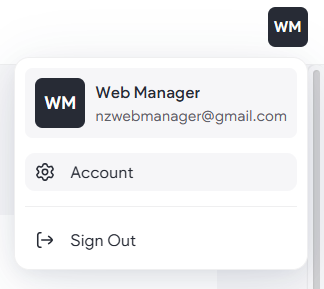
- Hover over the icon in the top-right and click
Account.
- In the Profile section, change the First name and Last name associated with the account.
- In the
Login info section:
- Click Change Email to change the email address where important notifications, stats, news, and updates are sent. Type the current password and new email in the boxes provided. This email address is also the account’s username used to log into the account.
- To change the password used to log into the account, click Change Password, and type the current password and new password in the boxes provided. - Click Save.
NOTE: To request new users for your website, please
contact support.