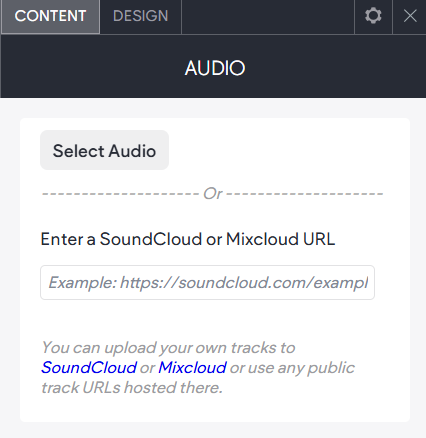
Audio Widget
Add audio content to your website with the Audio widget. Easily embed tracks, playlists, podcasts, concerts, tutorials, and more from SoundCloud or Mixcloud. Simply upload your audio to either platform or choose any publicly available file, then copy its URL and paste it into the Audio widget to display it on your site.
To add the widget:
- In the left panel, click Elements.
- Click and drag the Image Index Feature widget into your site.
To learn more about adding widgets to your site, see
Add Widgets.