View Large Image Widget
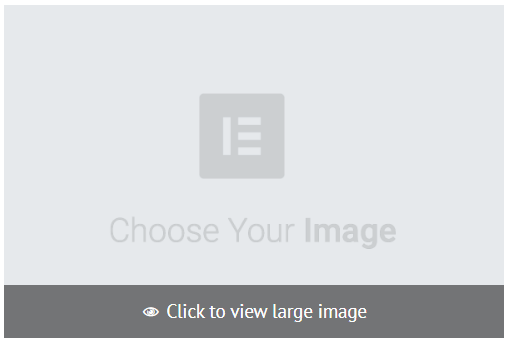
The View Large Image widget allows users to click an image to view a larger version in a pop-up window.
To add the widget:
- In the left panel, click Elements.
- Click and drag the Click To Call widget into your site.
To learn more about adding widgets to your site, see
Add Widgets.
Content Editor
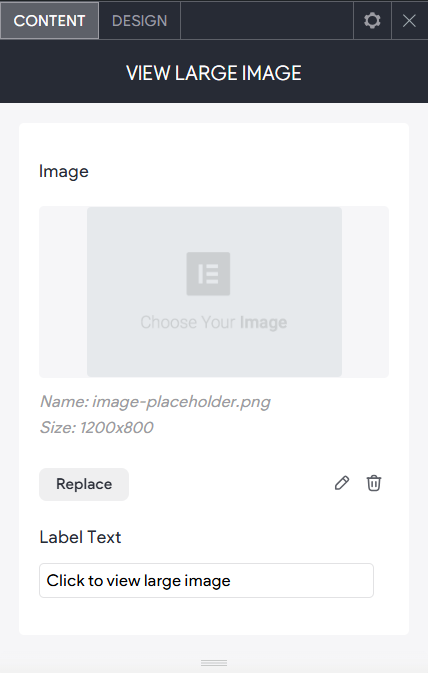
Right-click the widget, and click Edit Content. Select one of the following:
- Image. Select an image from the library or upload your own.
- Label Text. You can edit the default text "Click to view large image".
Design Editor
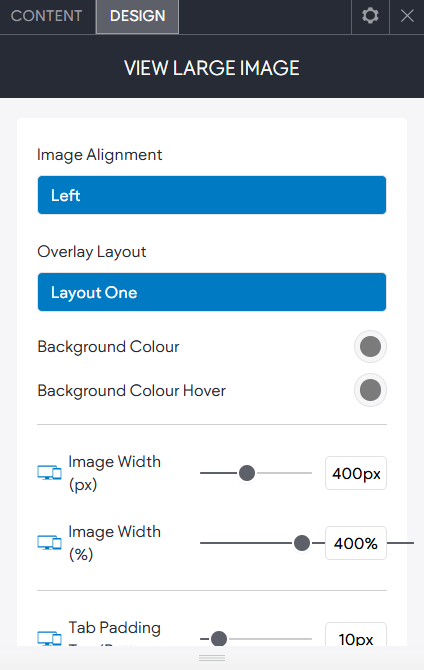
Right-click on the widget and click Edit Design.
Change the layout, image alignment, size/positioning, overlay colour and text label styles.